Everything it does, nothing it doesn't.
Small on purpose. Each feature earned its place by solving something real.
Log a shift in seconds
Times, tips, and wage in one quick form, unlimited and always free. Custom fields let you record whatever your house actually tracks.
Your real hourly rate
Checkout nets out tip out and cash you paid out of pocket, adds wages and overtime, and tells you what the shift really came to per hour.
Overtime done properly
Set how each employer pays overtime once, and every shift, total, chart, and widget counts it. Tipped overtime is figured on the full minimum wage, not your cash wage, and a week worked at two rates gets a blended rate.
Paychecks that have to add up (Pro)
Log the check that actually landed and Checkout reconciles it against the shifts it covers, checks the overtime line against the premium hours you logged, and explains in plain English why the number is what it is.
A calendar that shows the good days (Pro)
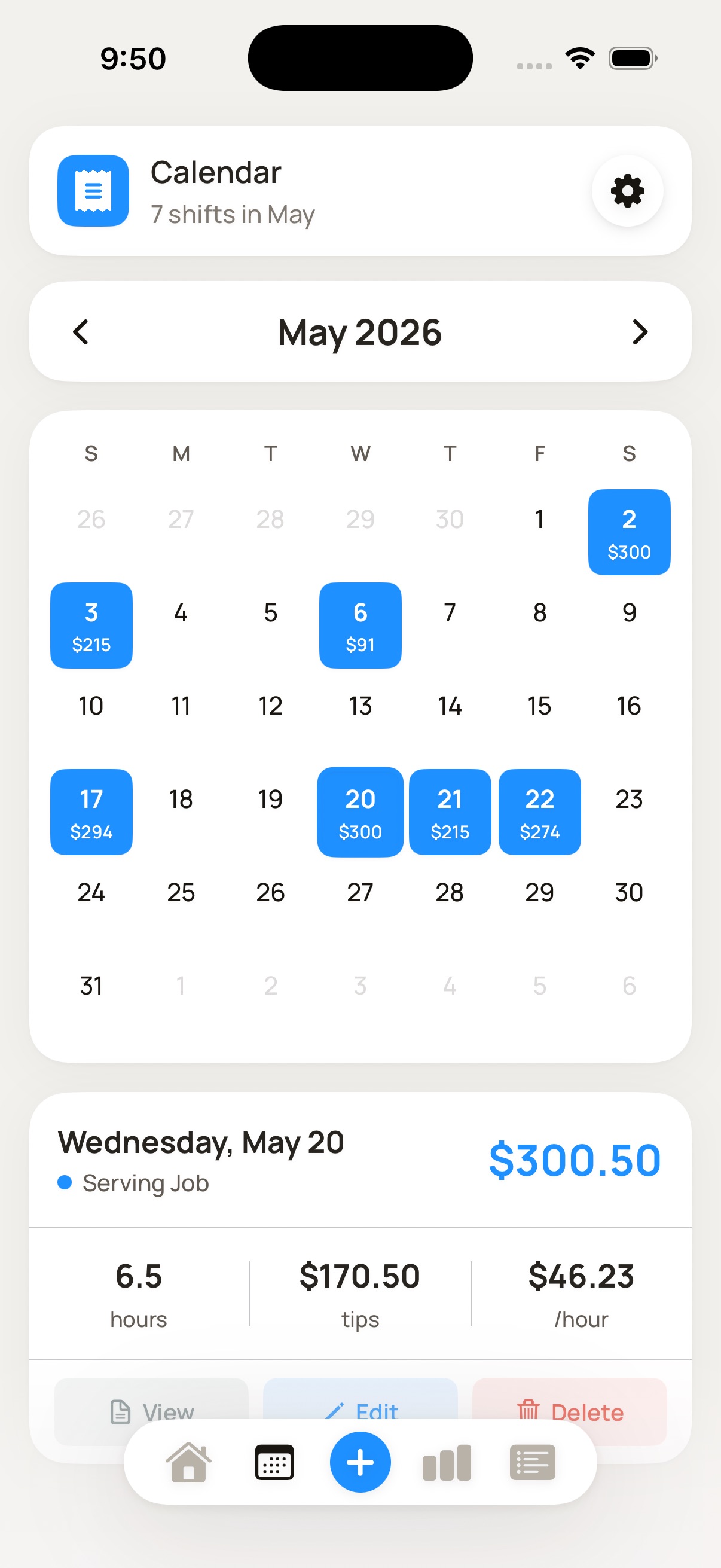
A heat-mapped month where your best days are darkest, and a tappable checkout ticket for any day you want to look at or share.
Two kinds of reminder (Pro)
A heads-up 15 minutes to 2 hours before a scheduled shift, set per position, and a nudge afterwards on the days you work so nothing goes unlogged.
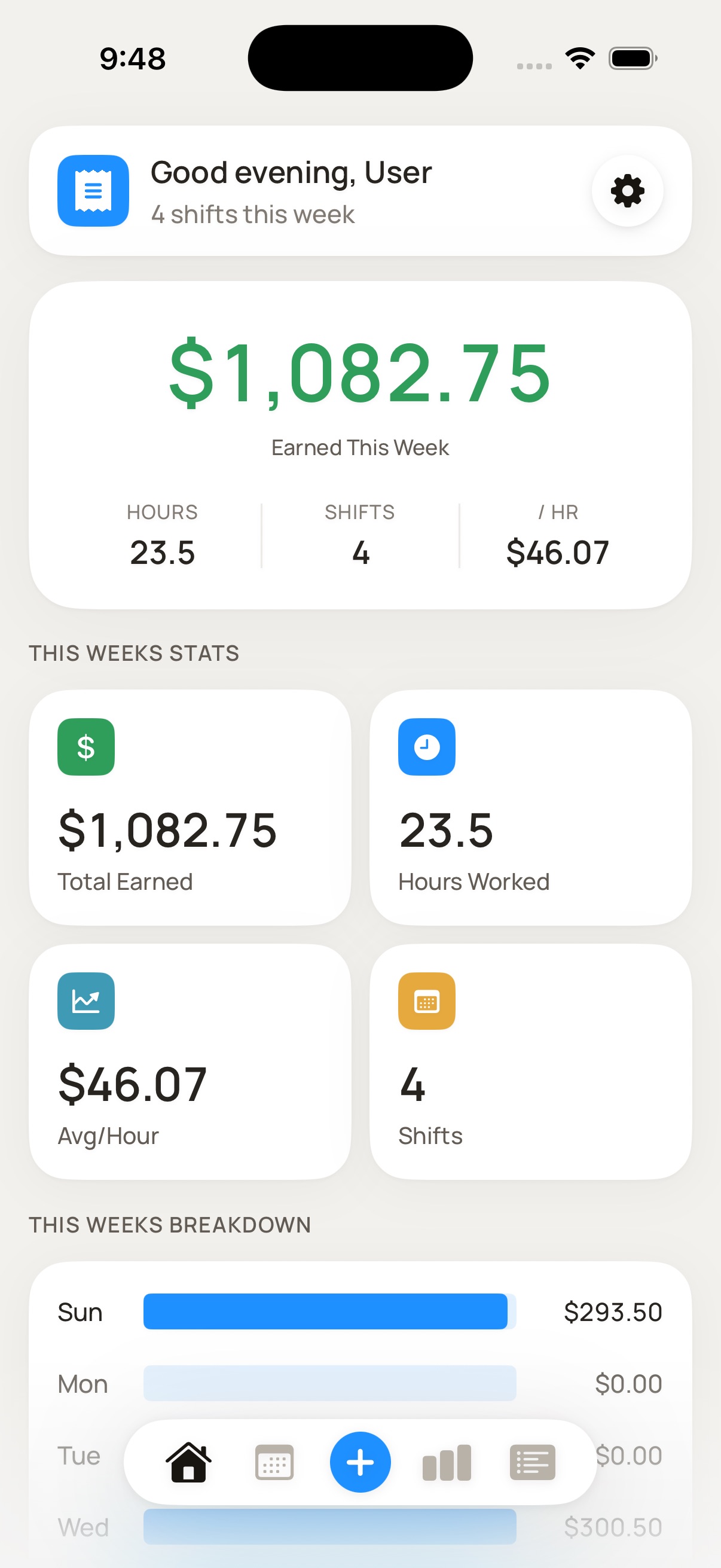
The hourly rate you actually made, not the one on your offer letter.
Tip out, cash payments, wages, and overtime all move the number, and none of them are on the same piece of paper. Checkout tracks the whole shift and works out the rate. Over a few weeks it will tell you which days and which jobs are worth the shift.
Offline first, no account, nothing to sign up for.
Every shift, paycheck, and dollar figure lives in a database on your phone. There is no server to sync to and no login screen. CSV import and export are free in both directions, so you can bring your history in from another tracker and take it out again whenever you want.
Free to start. Pro when you need it.
Try it free for as long as you like. Pro is a fair, upfront price - no ads, no upsells inside the app.
- Unlimited shift logging, no cap
- One workplace and one position, with wage, tip out, and card tip payout
- Overtime rules per employer, including tipped and blended-rate overtime
- Unlimited custom fields that add to, subtract from, or track beside your total
- CSV import and CSV export, both free
- Weekly goals with progress on the home screen
- A heat-mapped calendar of every shift and what it earned
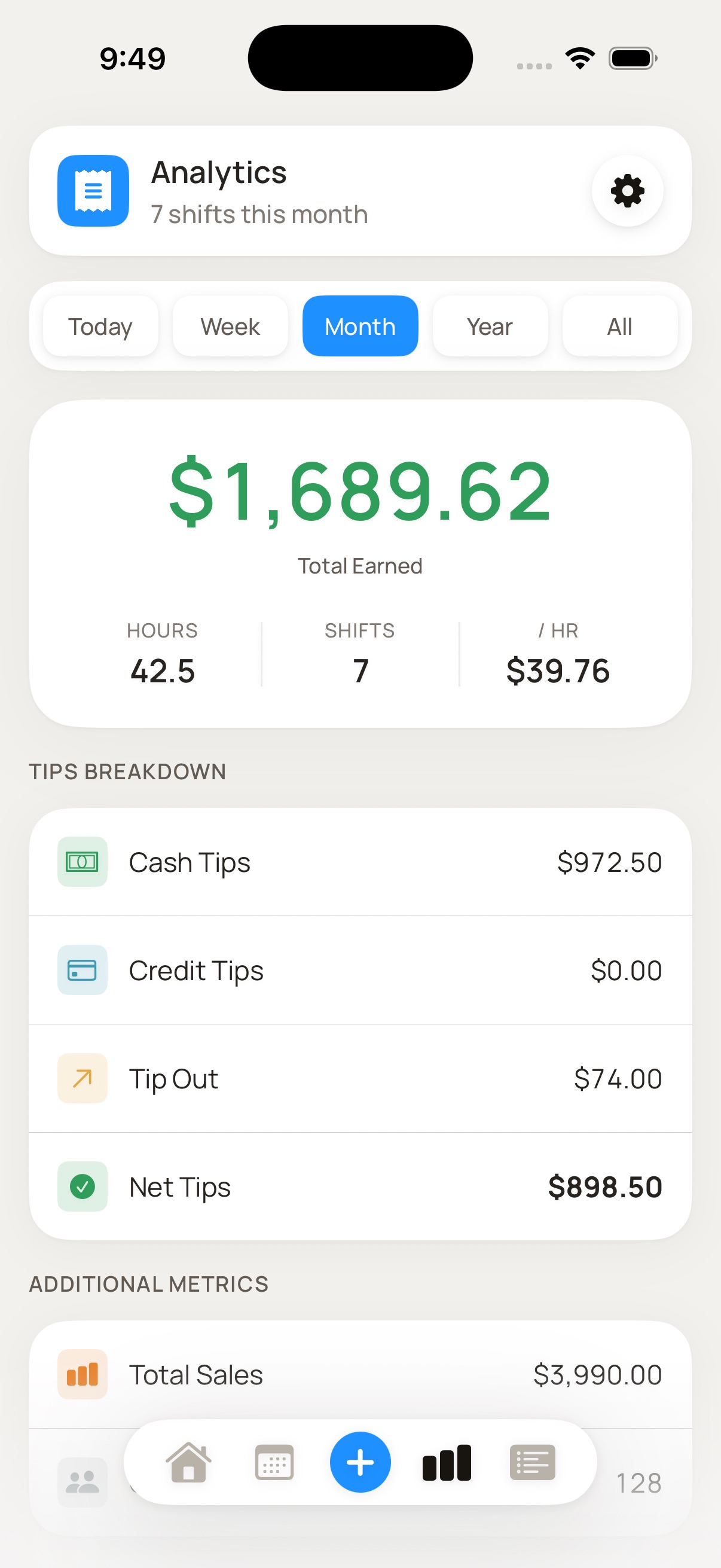
- Advanced analytics: tip breakdowns, records, peak times, projections
- Paychecks, reconciled against your shifts, with Explain My Paycheck
- Unlimited workplaces and positions, scheduled shifts, and templates
- Reminders before and after a shift, plus home screen widgets
The things people ask.

Checkout is on the App Store.
Log a shift in seconds, see your real hourly rate after tip out and overtime, and stop guessing what you actually earned.