Everything it does, nothing it doesn't.
Small on purpose. Each feature earned its place by solving something real.
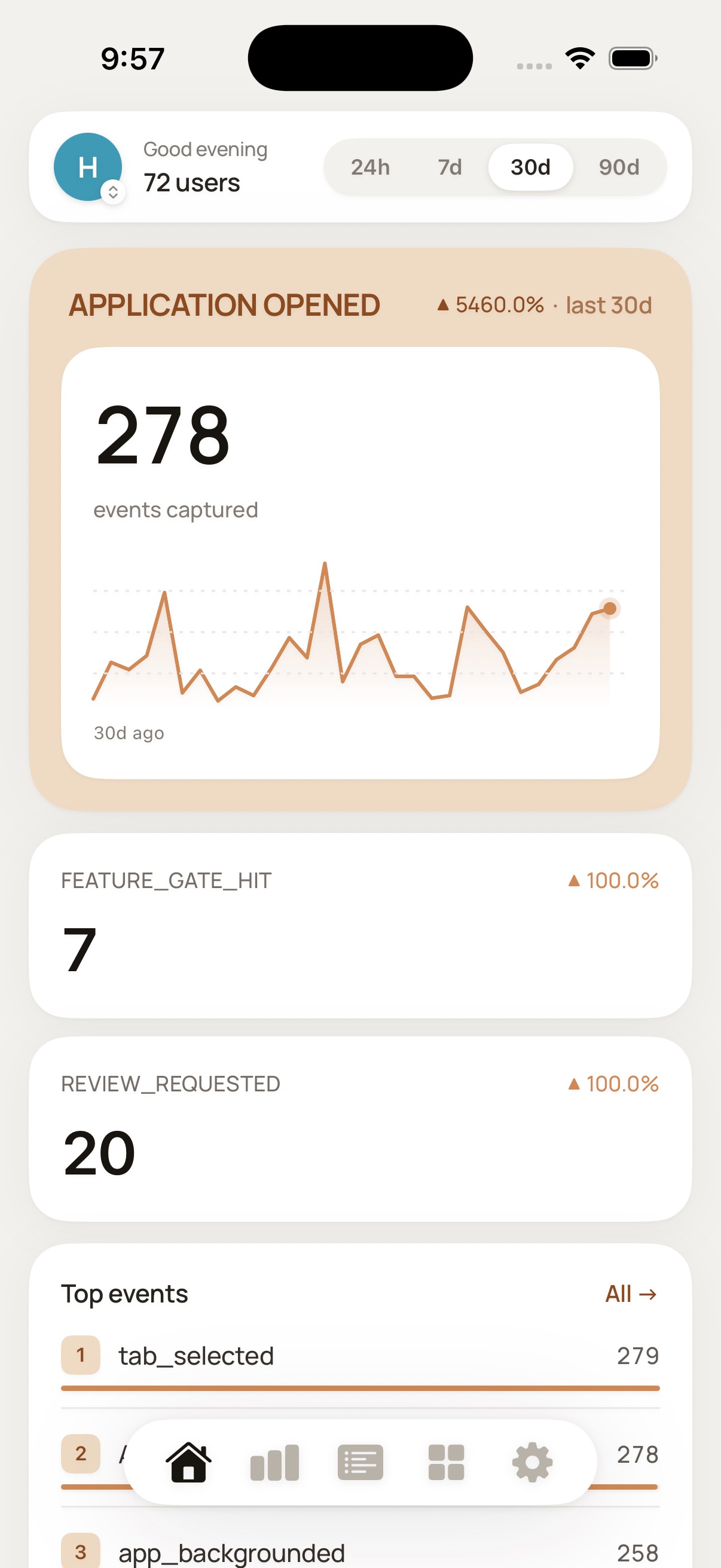
Home at a glance
A hero metric with an area chart, trend sparklines on every card, your top events, and active users, all on one screen for the range you pick.
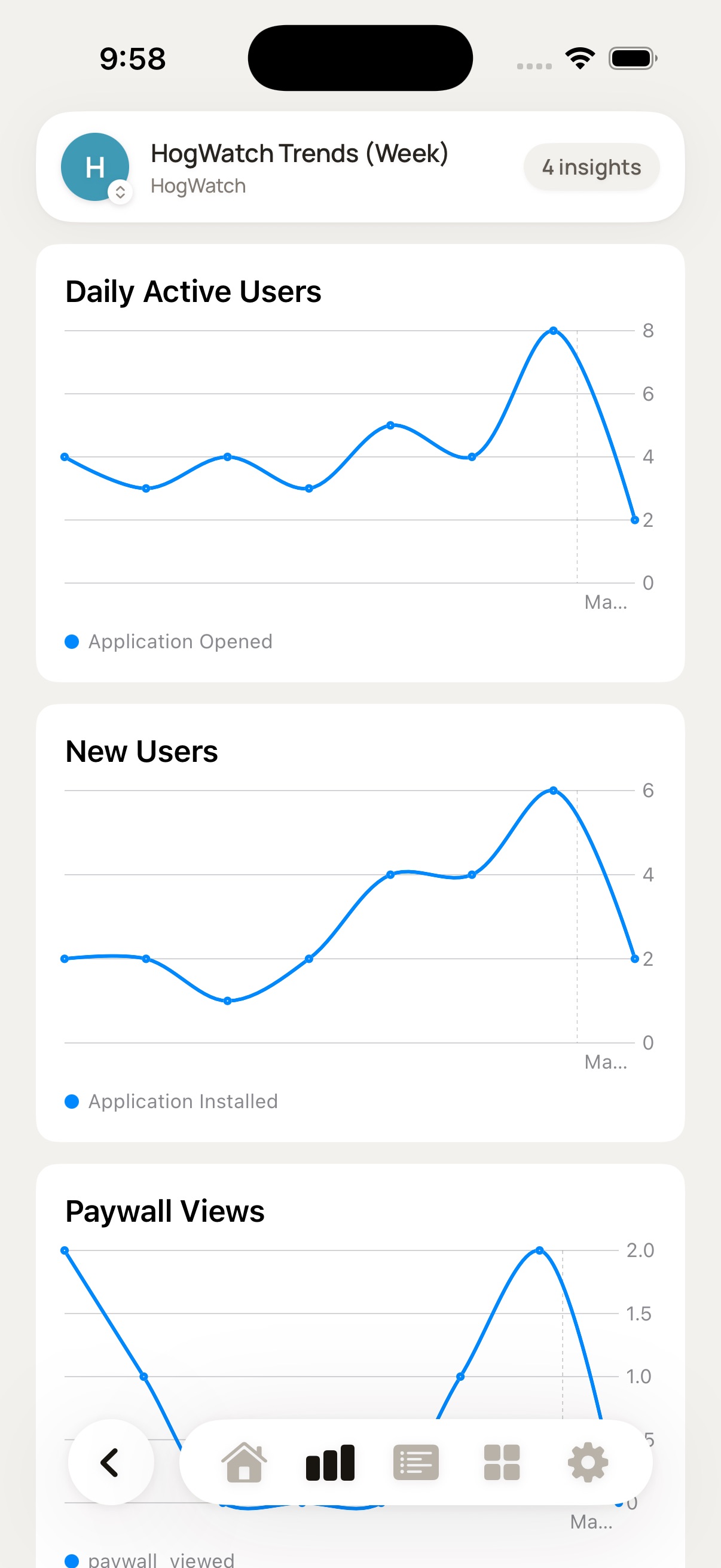
Every PostHog chart, native
Trends as line, area, or bar, plus funnels, retention cohorts, paths, pie, breakdown tables, single-value, stickiness, and lifecycle. Tap any tile to expand it.
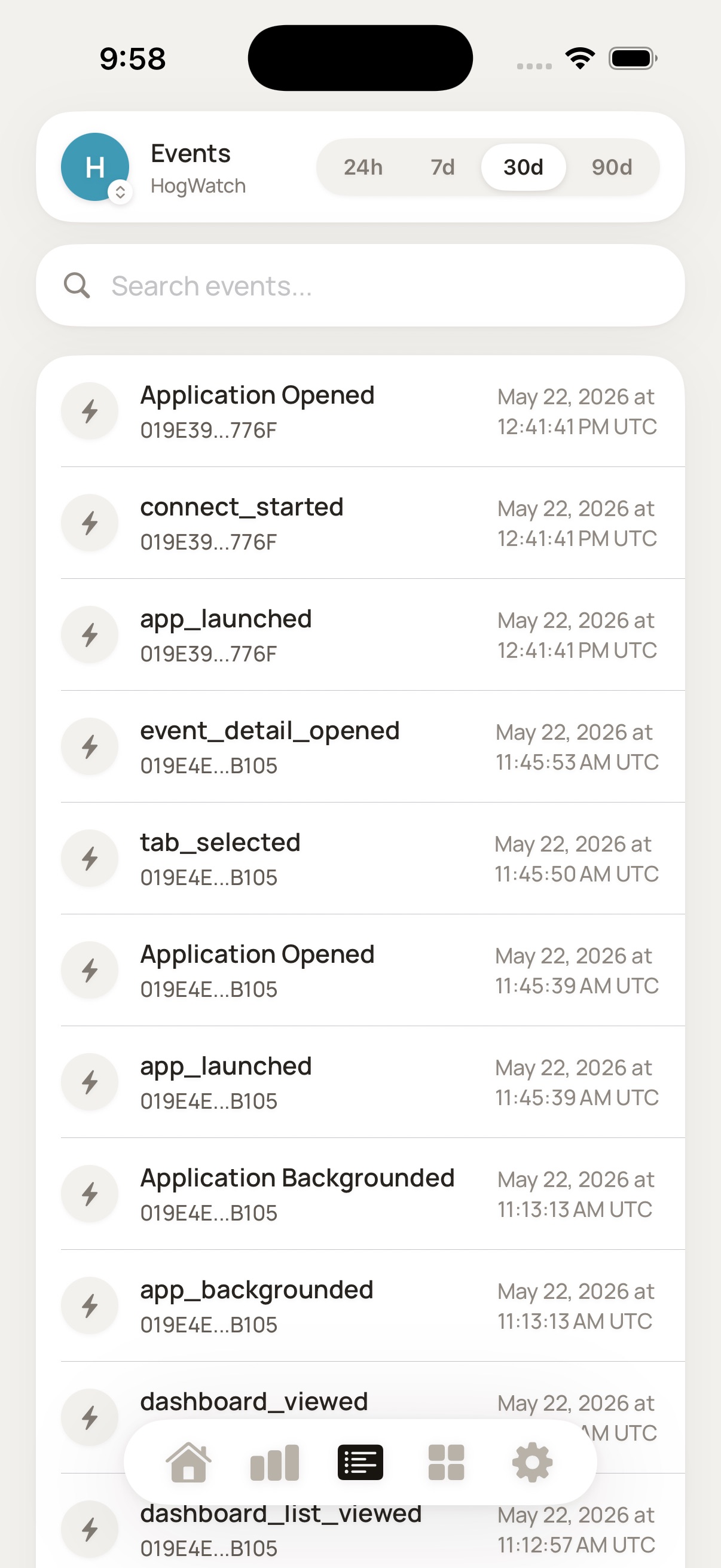
Events explorer
Search your event stream with live filtering and open any event to inspect its full properties, or jump to its session replay.
Explore the rest
Look people up by email or distinct ID, browse feature flags, read error-tracking issues, and run custom HogQL in a built-in SQL console.
Take it with you
Export SQL results as CSV, share an insight as an image, or open a person's full profile in PostHog on the web.
Made to glance at
Dynamic Type on custom fonts, VoiceOver labels on charts and tiles, light and dark themes, pull to refresh, and haptics throughout.
Your analytics go straight from PostHog to your phone, and nowhere else.
HogWatch talks directly to PostHog's public API using a key you provide. There is no HogWatch server, no proxy, and no account to create. Your API key lives in the iOS Keychain and everything you look at is processed on the device.
A viewer, not another place to break things.
HogWatch reads your data and never writes back to PostHog, so you can hand it a key without worrying about accidental changes. It works with PostHog US Cloud and EU Cloud.
Free to start. Pro when you need it.
Try it free for as long as you like. Pro is a fair, upfront price - no ads, no upsells inside the app.
- 1 project and 1 dashboard
- 3 home metric cards with sparklines
- Events explorer, 25 most recent
- People lookup and person profiles
- Error-tracking issues, 25 most recent
- Unlimited projects, switch with one tap
- Unlimited dashboards
- Up to 9 home metric cards
- Full event history with paging
- Every refresh interval: 30s, 2m, 5m, 30m
- Feature flags and the HogQL SQL console
The things people ask.
HogWatch is on the App Store.
A native iPhone client for your PostHog analytics. Connect your own API key and check events, users, and dashboards from your pocket, without opening a browser.